


How to Buy the Correct Battery for Your Device
Start with the exact model name of your device, then use the battery part number as a secondary check. That order is the simplest way for a US shopper to land on a compatible replacement the first time.
- Begin with the device model, not the battery part number alone.
- Cross check the part number printed on your old pack.
- Generic packs can fit several devices, so the model decides the match.
- Ask our team before ordering if any detail is unclear.
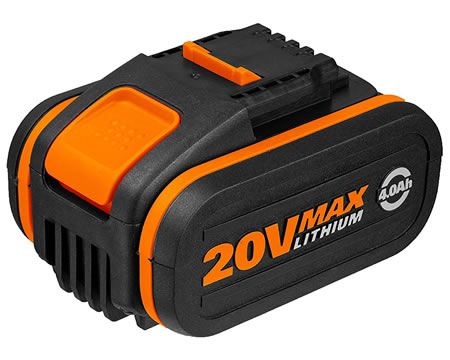
Lead With the Device Model
The most reliable way to shop is to search by the model name or number of the thing that needs power, whether that is a drill, a laptop, or a vacuum. A battery part number on its own can be misleading, because the same pack is sometimes shared across a whole family of tools. The model tells you which devices a given pack was actually built to run.
If you have been wondering how do I buy the correct battery for my device, make the model your first filter and the part number your second. This matters with generic packs that are intentionally designed to serve several similar devices. Compatibility is about the device in your hand, not a string of digits that might appear on more than one product.
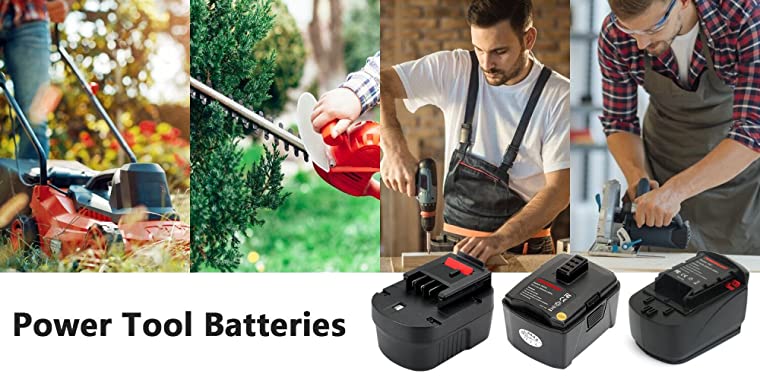
Use the Part Number as a Cross Check
Once the model narrows the field, flip your old battery over and compare the part number printed on its label with the listing. Think of it as a confirmation step rather than the main search. Two packs can look identical and carry different numbers, so this small habit catches the near misses that a photo alone would let slip through.
It also protects you when a manufacturer has revised a part number over the years. A replacement laptop battery or cordless drill battery that matches both your model and your old number is about as certain as a mail order purchase gets. If the numbers differ but the model fits, reach out and we will help you confirm before you commit.
Read the Compatibility Notes
Take a moment to read the full listing, including the list of compatible models and any notes about voltage or capacity. Brand and model names on our pages are there to describe fit only, since every pack is a brand new aftermarket replacement. That context helps you understand why one pack may cover a small family of devices while another covers a single revision.
If a page leaves you unsure, our Battery Guides and Contact Us pages are the quickest route to a clear answer. Have the device model, the old part number, and ideally a photo of the label ready. Supplying those three details up front usually resolves a fit question in a single exchange.
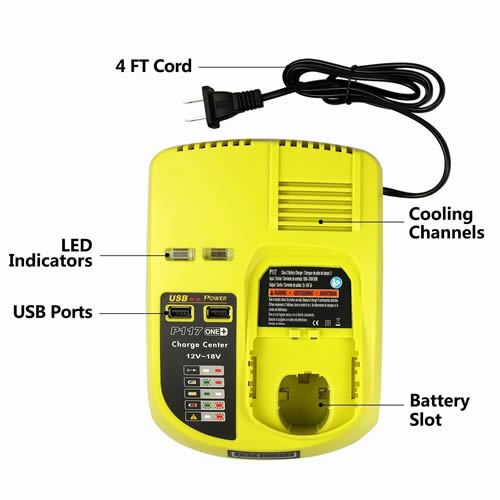
Order Once, With Confidence
A few minutes of checking beats the round trip of an exchange, and our 30-day money-back guarantee is there as a backup rather than a plan. Match the model, confirm the number, and read the notes, then place the order knowing it is right. That is the whole method, and it works whether you are replacing one tool pack or a laptop battery.
Find the right replacement battery
Find the aftermarket replacement battery pack or charger matched to your model, and order the correct fit the first time.
Frequently asked questions
Why not just search the part number?
Some part numbers are shared across a family of devices, and some get revised by the manufacturer over time. Searching by part number alone can return several packs that look right but are not. Starting with the device model and then cross checking the number keeps the choice accurate.
Will an aftermarket pack work as well as the original?
Our packs are brand new, 100% compatible aftermarket replacements built to the voltage and capacity your device expects. Brand names on the site describe fit only. When the model matches, the pack charges, seats, and runs the way the original did.
What if I cannot find my model listed?
Send us the device model and the part number from your old battery, and our team will help you identify the right pack. A photo of the label is a useful extra. We would rather answer a quick question than have you guess at a fit.
Related reading
- How to Share Feedback on Your Replacement Battery
- What a Safe and Secure Checkout Looks Like Here
- Live Help Hours and How to Reach Our Support
- What the 30 Day Money Back Guarantee Covers
- How Aftermarket Batteries Compare on Runtime and Life
- About batteries-company.com: Replacement Batteries, Done Right
Last reviewed by the batteries-company.com editorial team. Brand and model names are used to describe compatibility only; replacement packs are aftermarket products.
Editorial source: Q&A Collection 051 — “How do I buy the correct battery for my device?” (FAQ #144). See the full collection-to-article map.

 Warehouse address: