

Replacing a Garmin StreetPilot C550 Battery the Right Way
This StreetPilot is a larger, older unit with a user-accessible battery door, unlike the slim Nuvi models that followed. If you are looking up how to replace a Garmin StreetPilot C550 battery, that door makes the swap refreshingly simple for US drivers.
- The StreetPilot line uses a latched battery door, unlike the sealed Nuvi cases.
- Confirm the Garmin StreetPilot C550 part number on the old pack first.
- A failing pack drains within minutes of leaving the car adapter.
- Recycle the old cell locally and give the new one a full first charge.
Reading the Warning Signs on a StreetPilot C550
The pattern is hard to miss. A healthy unit will navigate for a decent stretch on its own, while a worn cell drops the Garmin StreetPilot C550 to a blank screen shortly after you pull the car adapter. You might also see the battery icon hover below full or watch the backlight dim as the voltage sags. Cold weather makes all of this worse.
Before you order anything, rule out the charger. Plug into a known-good adapter and let the unit sit; if it still will not hold a charge, the cell is done. It also helps to note how the unit is mounted, because the StreetPilot cradle can make a loose power connection look like a dead pack. Once the diagnosis is settled, the replacement is a straightforward bench job.

The Battery Door and the Right Part Number
This is where the StreetPilot family earns its keep. Turn the Garmin StreetPilot C550 over and you will find a latched compartment cover rather than a sealed shell, so there is no case to pry apart and no ribbon cable to disturb. Slide the latch, lift the lid, and the old cell sits right there in its tray. Copy the part number from the label before you remove it.
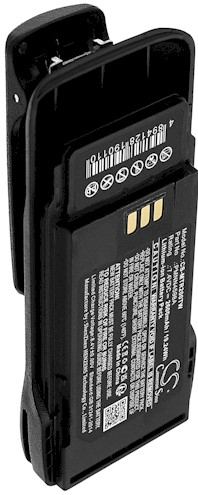
Match that number to the listing, since packs that look alike can differ in connector and polarity. A brand new aftermarket replacement battery pack built for this model will drop into the tray without forcing. Keep a soft cloth under the unit and a small dish nearby for the latch screws, if your particular cover uses any.
Fitting the New Pack
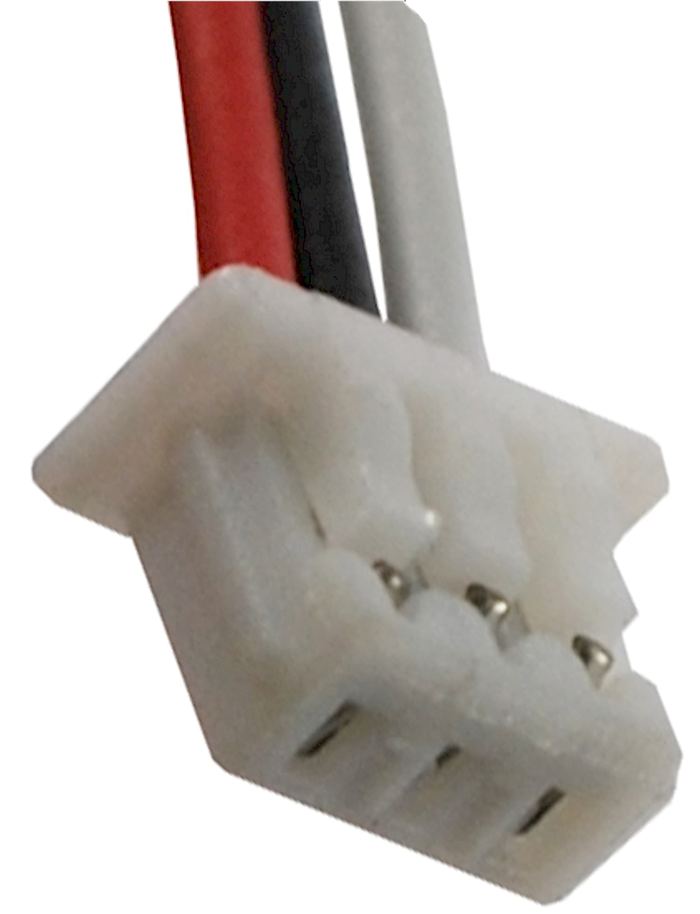
With the unit powered off, unplug the old cell by holding its connector, not the wires, and lift it straight out of the tray. Note which way the label faces and how the lead is folded, because the new pack should sit in exactly the same orientation. Press the connector home until it is fully seated, then tuck the wire into its channel so the lid will close flat.
Replace the cover and press the latch until it clicks, then give the unit a quick power-on test before you call the job finished. If the screen lights and the battery icon responds, close everything up. Do not force a lid that will not sit flush; a pinched lead is usually the reason, and reseating it is far easier than fixing a bent contact.
First Charge, Runtime Check, and Recycling
Give the new cell a full charge, then run the unit off the adapter and time it. A cycle or two may be needed before capacity settles. Take the old pack to a local battery recycling drop-off instead of the household bin. If the connector will not seat or the unit stays dark, stop and reach our team through Contact Us.
Find the right replacement battery
Browse compatible replacement battery packs and chargers for the Garmin StreetPilot C550 and get back on the road.
Frequently asked questions
Do I need to open the whole case?
No, and that is the nice part of this family. The StreetPilot C550 has a latched battery door on the back, so the cell is reachable without prying the housing apart. If your unit has no such door, double-check the model label before going further.
Can I use a Nuvi battery in this unit?
It is not a safe assumption. The Nuvi line is slimmer and uses a different internal layout, so its pack will not match the StreetPilot tray or connector. Order against the part number on your own cell, and choose a pack listed for the C550 specifically.
How long should the replacement last?
Runtime depends on charge cycles and how often the unit runs unplugged, but a fresh cell should feel close to the original. Expect the first two or three charges to settle in. If the new pack fades within minutes after that, contact us rather than living with it.
Related reading
Last reviewed by the batteries-company.com editorial team. Brand and model names are used to describe compatibility only; replacement packs are aftermarket products.
Editorial source: Q&A Collection 026 — “How do I replace the Garmin StreetPilot C550 battery” (FAQ #121). See the full collection-to-article map.

 Warehouse address: