

Replacing the iPaq 167648 Battery in an iPAQ PDA
This is the battery that powers the iPAQ 3100 and 3700 series Pocket PC handhelds, and a tired one leaves the unit tied to its cradle. If you are looking up how to replace an iPAQ 167648 battery, the job is simple once you back up your data.
- Back up your iPAQ to a computer before the old cell comes out.
- Confirm the iPaq 167648 part number on the original battery label.
- A plastic pick and a small driver open the iPAQ case without scratches.
- After fitting, soft-reset the handheld and give the new pack a full charge.
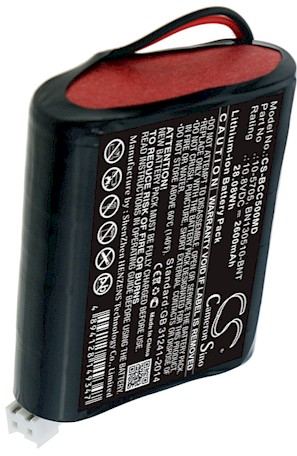
Back Up Before You Begin
Unlike a GPS unit, an iPAQ Pocket PC holds your contacts, notes, and settings in memory that a long power loss can disturb. Sync the iPAQ 3100 or 3700 to a computer first and let the backup finish, then power the handheld down. This one step is the difference between a ten-minute battery swap and an afternoon spent rebuilding a contact list.
The battery pack lives behind the rear cover on these handhelds, and the unit should be completely off, not merely sleeping, before that cover moves. Take the stylus out and set it aside, lay the device face down on a soft cloth, and note any expansion card you have seated. A calm bench and a small dish for screws are all the hardware you need.

Confirm the Part Number and Your Tools
Before ordering, read the label on the old cell and confirm it says iPaq 167648, since the 3100 and 3700 series share a shell but not every pack inside it. That number is the safest way to match a connector and capacity. Keep a photo of the label handy, and compare it to the compatible replacement battery pack listing rather than guessing by the handheld's shape.
Gather a small Phillips driver, a plastic opening pick, and a soft cloth. Good light matters more than a large toolkit on a device this size. Shed static by touching something grounded first, and keep each screw with its own hole so the rear cover goes back flush without a rattle.
Opening the Case and Fitting the New Cell
Ease the plastic pick around the rear seam until the clips release, then lift the cover because the battery lead is still attached. Unplug the iPaq 167648 connector by gripping the plug, not the wires, and lift the old cell from its tray. Seat the new pack in the same orientation, press the connector home, and route the lead along its channel so nothing gets pinched when the cover closes.
Refit the cover, press it until the clips click, and reinstall the screws without overtightening. Use the stylus to perform a soft reset, then connect the cradle and let the new cell take a full charge. A couple of early cycles help the fuel gauge settle, after which the handheld should report runtime much like it did when new.
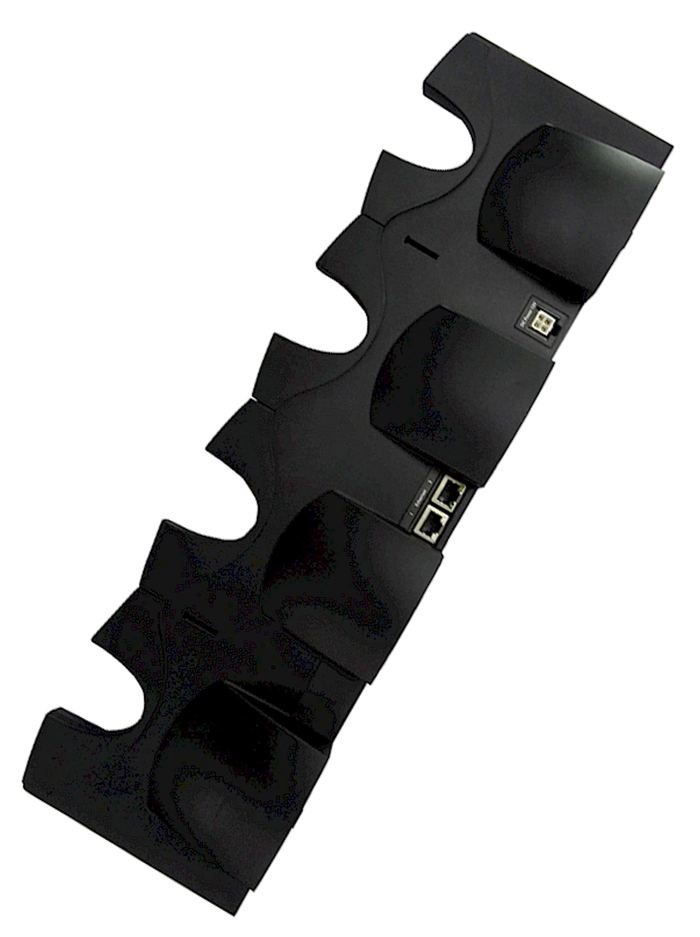
Test, Recycle, and When to Ask Us
Run the iPAQ off the cradle and confirm the battery icon behaves, then sync once more to be sure your data survived. Recycle the old cell at a local battery drop-off instead of the household trash. If the new connector will not seat, the cover will not close, or the unit stays dark after a reset, stop and reach our team through Contact Us.
Find the right replacement battery
Browse compatible replacement battery packs and chargers for the iPaq 167648 and bring your iPAQ back to daily use.
Frequently asked questions
Will this pack fit any iPAQ?
No. This pack is listed for the iPAQ 3100 and 3700 series, and other iPAQ families use different cells and connectors. Match the part number on your original battery rather than the model name alone. Our product pages spell out the compatibility for each handheld.
Will I lose my contacts and files?
A battery swap should not erase stored data, but a long power loss on an older Pocket PC can scramble settings. Sync to a computer before you open the case and again after the first charge. That five-minute precaution is cheaper than rebuilding a contact list from scratch.
Why does the new pack seem weak at first?
Aftermarket cells arrive partly charged and the iPAQ fuel gauge needs a cycle or two to calibrate. Give it one complete charge, use the handheld off the cradle, then recharge. Runtime usually steadies after those early cycles, so hold off on judging the pack until then.
Related reading
Last reviewed by the batteries-company.com editorial team. Brand and model names are used to describe compatibility only; replacement packs are aftermarket products.
Editorial source: Q&A Collection 130 — “How do I replace the iPaq 167648 Battery for iPAQs 3100's-3700's” (FAQ #85). See the full collection-to-article map.

 Warehouse address: