


How to Tell If a Battery Is Actually Healthy
A full charge tells you very little. The real question is what the pack does when a device asks it to work, and that can be checked without a laboratory.
- Voltage at rest is only a rough guide; voltage under load is more useful.
- A pack that drops sharply under light load is nearing the end.
- Swollen, hot or odd-smelling batteries should be removed from service immediately.
- Test with the right charger before concluding the cells are finished.
Start With the Obvious Checks
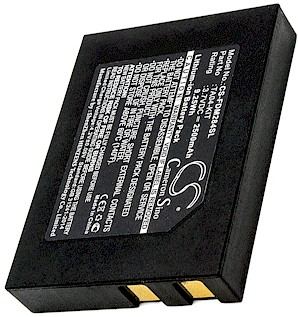
Before reaching for a meter, look at the pack. Any swelling, cracking, rust or unusual smell means stop using it. Li-ion cells that have been physically damaged can be genuinely dangerous, and no amount of testing makes them safe again. Set the pack aside away from flammable material and arrange proper recycling.
If it looks normal, clean the contacts and reseat it. A surprising number of "dead" batteries are simply making poor contact because a terminal is dirty or the pack has shifted slightly. Give it one complete charge on the correct charger, then use the device normally. If performance returns, there was never anything wrong with the cells.
Voltage Tells a Story, But Not the Whole One
A multimeter across the terminals will show the resting voltage. Compare it with the rated voltage printed on the label. A pack that reads far below its rating after a full charge has lost capacity. But resting voltage is misleading on its own: a tired cell can still show a healthy number when idle and collapse the moment a load appears.
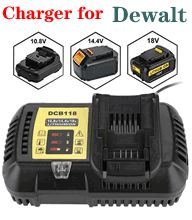
That is why a load test matters more. In a laptop, run a demanding task while watching how quickly the charge falls. In a tool, use the battery on a real job and notice whether power fades before the pack is empty. A healthy pack delivers fairly even performance until late in the cycle. A worn one weakens early and sometimes recovers briefly when the load is removed, which is a classic sign of aging cells.
Capacity Is Harder to Measure Than It Looks
Phone apps and desktop utilities can estimate remaining capacity, and they are useful for spotting a trend over weeks. Treat the numbers as direction rather than fact. Software estimates depend on calibration, temperature and the device's own power management, so a single reading means little. A steady decline across several cycles means a great deal.
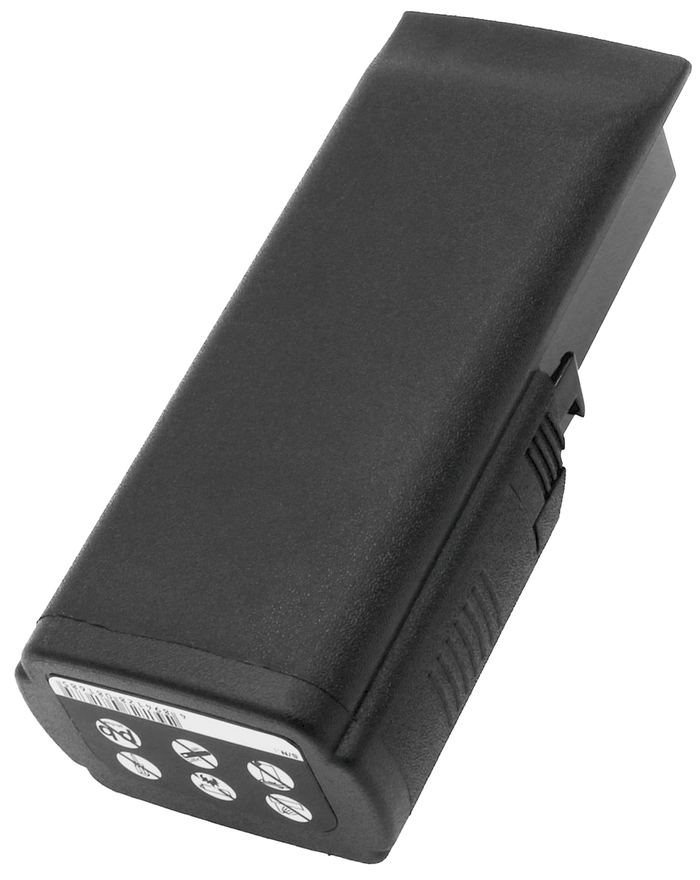
If you are comfortable using a multimeter, you can also check that the charger is delivering its rated output. A charger that supplies too little current will make a perfectly good battery look defective. Testing the charger first is a small step that prevents a lot of unnecessary replacements.
When Testing Stops Being Useful
There comes a point where the verdict is obvious. If a full charge no longer gets you through a normal task, if the device shuts down while the gauge shows charge remaining, or if the pack has swollen, testing will not restore it. At that stage a replacement is the practical answer. Match the part number, check the voltage and buy a new pack rather than one with an unknown past.
We supply brand new, fully compatible replacement batteries with a 30-day money-back guarantee and a one-year warranty. If you are unsure whether the fault lies with the pack, the charger or the device, describe the symptoms to us and we will help narrow it down before you spend anything.
Find the right replacement battery
A few careful checks can save you from replacing the wrong part.
Frequently asked questions
Can I test a battery accurately at home?
You can spot trends reliably. Use a multimeter for resting voltage, watch how the voltage behaves under load, and track runtime over several cycles rather than trusting a single reading.
Why does a battery show full but collapse under load?
The cells have aged and their internal resistance has risen. The resting voltage still looks healthy, but the pack cannot deliver current when the device asks for it.
Should I test the charger too?
Yes. A charger supplying too little current makes a good battery look defective. Confirm the charger's output rating before replacing the pack.

 Warehouse address: