


The Motor, the Airflow and the Battery Behind a Dyson Cordless
Dyson built its reputation on fast digital motors and clever airflow. All of that engineering rests on one comparatively simple component: the battery pack.
- A high-speed motor draws current in sharp bursts, not steady trickles.
- Suction modes trade runtime for power; boost drains a pack quickly.
- Fading runtime is usually cell wear, not a drop in motor efficiency.
- Match the pack to the exact vacuum model before ordering.
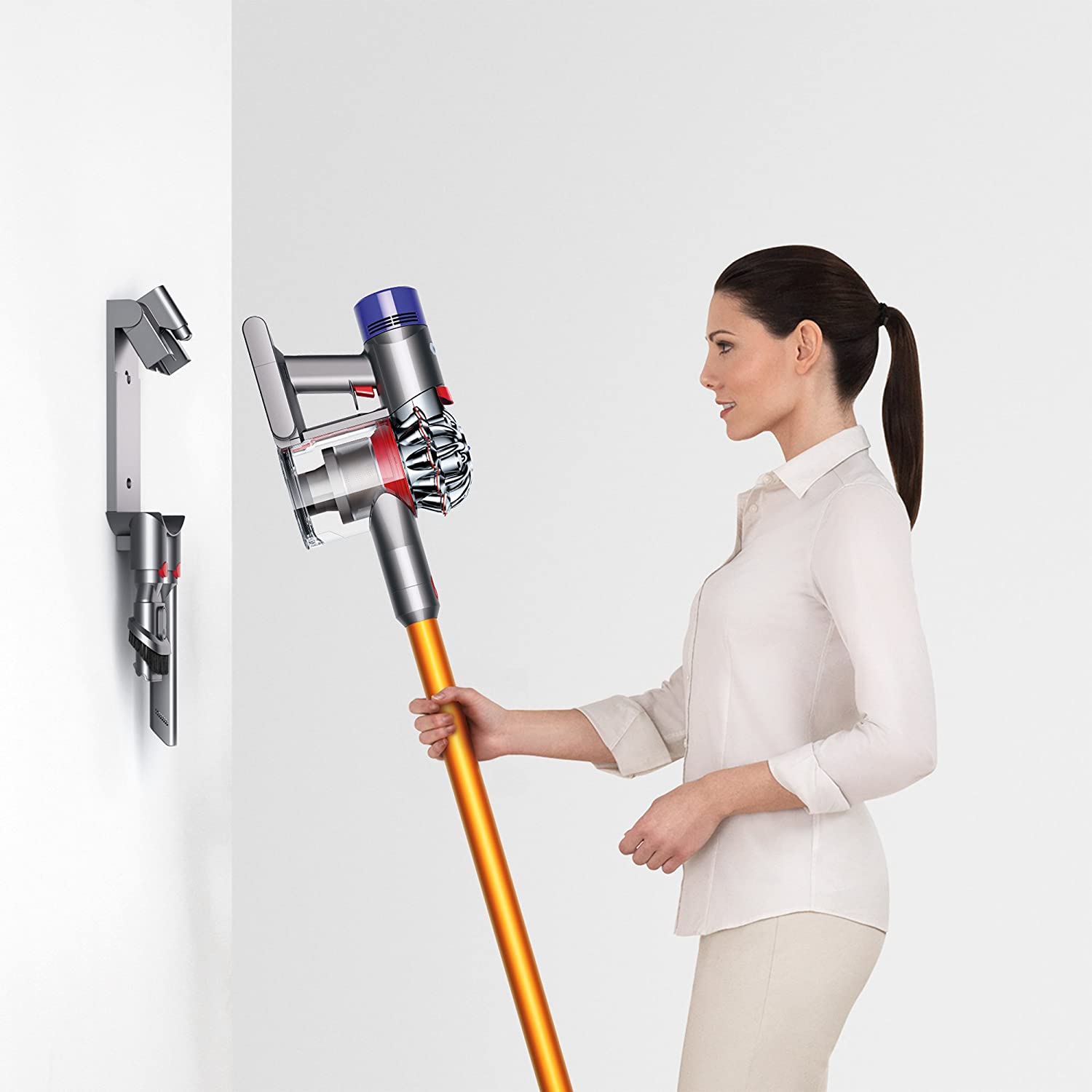
What a Fast Motor Asks of a Battery
The attraction of a cordless vacuum is immediate: no trailing lead, no hunting for sockets, no rearranging furniture before you start. Making that possible takes a motor that spins extremely fast inside a hand-held body, pushing air through a carefully shaped path so dust is separated from the airflow. It is impressive engineering, and it is hungry.
A digital motor does not draw power gently. It asks for high current when it spins up and again whenever resistance changes, such as when the head moves from a hard floor onto carpet. The battery has to deliver those bursts without dipping so far that the machine cuts out. That demand shapes the cell design, the wiring and the protection circuit inside the pack.
Why Runtime Shrinks Over Time
Every rechargeable pack wears with use. In a vacuum, the decline is easy to notice because the job is finite: a room is a room, whether the battery is new or three years old. What used to take one charge now needs two, or the machine switches from boost to a lower setting partway through.
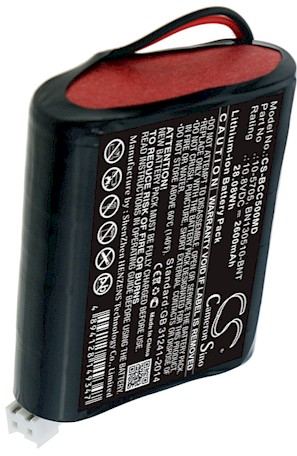
Heat speeds this up. Vacuum motors generate warmth, and the battery sits close to them. Repeatedly running a pack hard and then charging it immediately, before it has cooled, adds stress. letting it reach room temperature first is a small habit that helps the cells last longer. Storage matters too: a pack left empty for months will not bounce back the way one stored partly charged will.
Reading the Signs Correctly
Not every cleaning problem is a battery problem. A clogged filter or a brush head wrapped with hair reduces suction and makes the motor work harder, which in turn drains the pack faster. Clean the filter, empty the bin and check the head before you blame the cells. If the machine still fades early after a full charge, the pack is the likely cause.
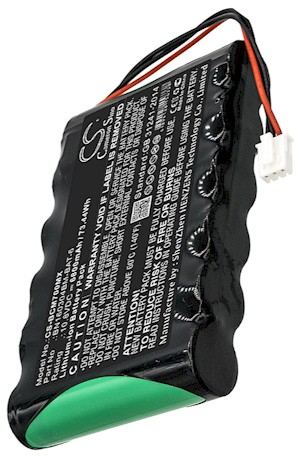
A swollen or unusually hot battery is a different matter. Stop using it, unplug the charger and keep it away from flammable material. That is a safety issue rather than a performance one, and it calls for a replacement rather than a test.
Choosing the Right Replacement Pack
Vacuum models look similar and use parts that are easy to confuse. Match the battery part number from the original pack, not just the vacuum's marketing name. Check the voltage and capacity, confirm that the housing sits flush in the handle, and buy from a seller who offers a clear return window. Our replacement vacuum batteries are brand new, fully compatible and covered by a 30-day money-back guarantee plus a one-year warranty.
If your model is not obvious from the label, send us the number and we will confirm the match. A correctly fitted pack means the motor gets the current it expects and the machine performs the way it did when it was new.
Find the right replacement battery
A fresh pack brings back the suction and runtime the motor was designed for.
Frequently asked questions
Why does a vacuum battery fade sooner than expected?
The motor draws high current in bursts and sits close to the pack, so heat builds up. Running the machine hard and charging immediately adds stress that shortens cell life.
Could the problem be something other than the battery?
Yes. A clogged filter or hair wrapped around the brush head makes the motor work harder and drains the pack faster. Clean those first, then judge the battery.
How do I pick the right replacement vacuum pack?
Match the battery part number from the original, then check voltage, capacity and that the housing sits flush. If the number is unclear, send it to the seller for confirmation.

 Warehouse address: