


How to Replace a Garmin StreetPilot C320 Battery
The Garmin StreetPilot C320 is an older, sturdier navigator, and a fading battery is the most common reason it quits early. A compatible pack and a little patience restore dependable runtime without replacing the whole unit.
- StreetPilot models predate the slim Nuvi line and use a bulkier housing.
- Record the exact model and part number from the rear label first.
- A battery door on the back often makes this swap simpler than newer units.
- Test a full drive afterward and recycle the old cell properly.
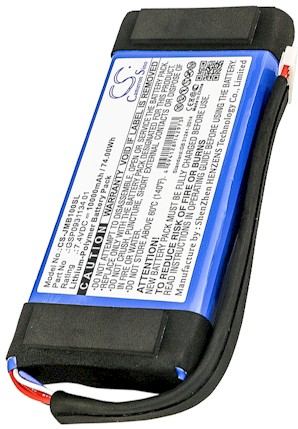
Why the StreetPilot Body Is Different
Garmin built the StreetPilot line before the thin Nuvi series, so the Garmin StreetPilot C320 has a thicker, more rugged shell and a different internal layout. That older design is good news for a home repair, because the battery usually sits behind a serviceable panel rather than under a tightly glued display. Expect a few more screws and a roomier interior than you would find in a modern slim unit.
Take a moment to read the label on the back and write down the model name and any battery part number. If you have been searching how to change the battery in a Garmin StreetPilot C320, those two details are what separate the right pack from a near miss. Family traits like this are worth noting before you order anything.

Symptoms and Simple Preparation
A tired cell shows up as a shrinking drive time and a unit that powers down the moment the car adapter comes out. The Garmin StreetPilot C320 may also take longer to acquire satellites or forget the time after sitting overnight. Those are gradual losses of capacity, and charging longer will not reverse them, which is the point where a fresh pack becomes the sensible choice.
Set up on a clean, well lit table with a soft cloth under the screen. You need a small Phillips screwdriver, a plastic pry tool, and a dish for screws. Power the unit off, disconnect every cable, and let it rest briefly so you are not working on a live board.
Reach the Pack and Fit the Replacement
Remove the screws from the rear battery panel and lift the cover, using the pry tool only if a clip holds firm. Free the old connector gently, then ease the spent cell out of its compartment. Set the compatible aftermarket replacement battery pack in the same direction and press the plug until it is fully seated, with no wire trapped under the cover.
Before replacing the panel, reconnect and give the unit a full initial charge with the screen off. Warmth at the terminals is normal during this first cycle. Once it reaches full, refit the cover, tighten the screws evenly, and wipe the housing clean of any dust you stirred up.
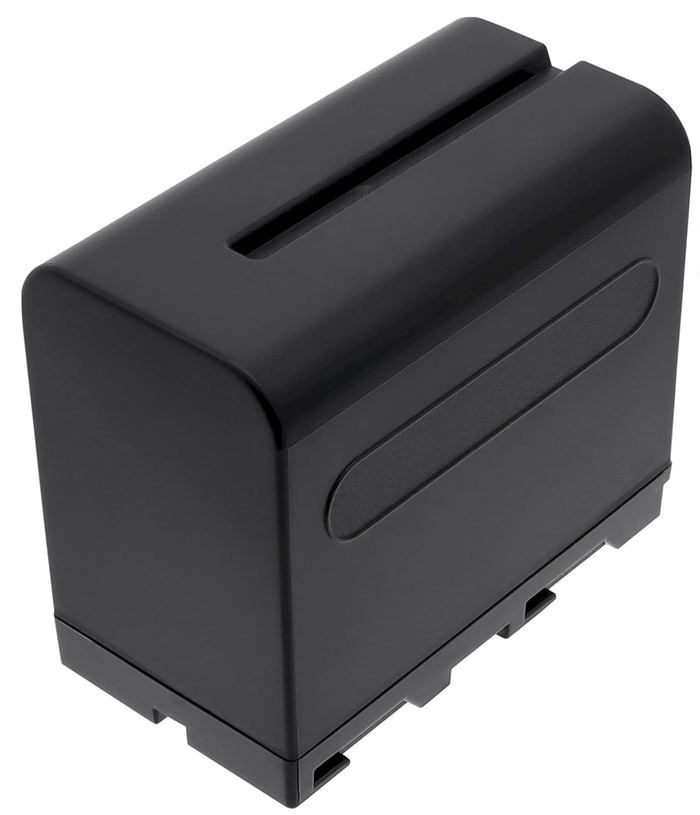
Confirm Runtime and Handle the Old Cell
Take the Garmin StreetPilot C320 on a normal drive using battery power alone and note how long it runs; that measured trip beats any on screen gauge. Bring the old cell to an electronics or battery recycling drop off rather than the trash. If the door will not close, the plug feels loose, or runtime stays short, stop and ask our support team for help.
Find the right replacement battery
Shop compatible replacement battery packs and chargers for Garmin StreetPilot units, and get the right fit for your navigator.
Frequently asked questions
Is this swap harder than on a newer slim GPS?
Usually it is easier, because the bulkier StreetPilot body tends to offer a serviceable battery panel and more room to work. The tradeoff is a handful of extra screws. Take your time, keep them sorted, and the job stays comfortably within reach for a careful beginner.
Do I need to reset the unit after installing the pack?
A soft reset after a full first charge is a reasonable habit, since it lets the device read the new pack cleanly. You should not lose your maps or core settings. If the unit behaves oddly afterward, power it down, reseat the connector, and then contact us if the issue remains.
Can I keep using the car adapter during the swap?
No, disconnect every cable before opening the case, since working on a live board risks a short. Do the whole job on battery power with the unit off, and only reconnect the car adapter once the housing is closed. It is a small precaution that protects both you and the device.
Related reading
Last reviewed by the batteries-company.com editorial team. Brand and model names are used to describe compatibility only; replacement packs are aftermarket products.
Editorial source: Q&A Collection 027 — “How do I replace the Garmin StreetPilot C320 battery” (FAQ #122). See the full collection-to-article map.
 Warehouse address: