


A Practical Guide to TomTom Go 730 Battery Replacement
When a TomTom GO unit starts dying mid-trip, the rechargeable cell inside is almost always the culprit. This walkthrough covers checking the model, opening the housing, fitting a fresh pack, and confirming that your Go 730 holds a charge again.
- A fading Go 730 battery means shorter trips and sudden shutdowns away from the charger.
- TomTom GO units use a different internal pack than the simpler ONE series, so match the part number.
- Work on a soft cloth with a small screwdriver and a nonmetal pry tool to protect the screen.
- A complete first charge followed by a real drive tells you whether the new pack is healthy.
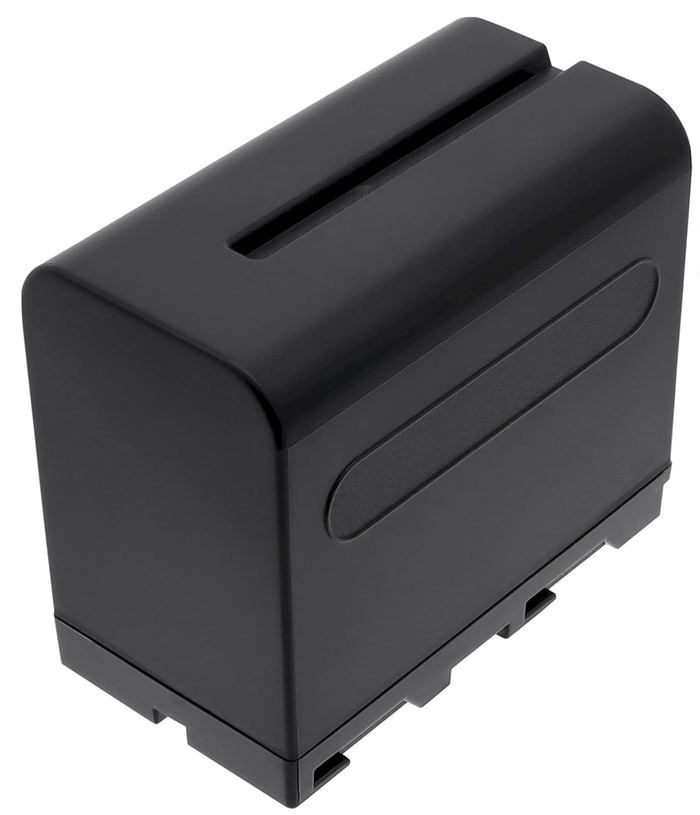
How a tired TomTom Go 730 battery behaves
The warning signs are hard to miss once you know them. A Go 730 that used to run for hours now drops to empty after a short errand, and it may power off the moment you unplug the car charger. The screen can flicker or dim. That pattern points to a Li-ion cell that has simply lost its ability to hold a useful charge.
Start by reading the label on the back of the TomTom Go 730 and noting the exact part number of the old cell. The GO family is a step above the entry-level ONE line, with more features drawing power from the same pack, which is why the correct replacement matters. Compare that number against the compatibility list on the product page before you add anything to your cart.

Opening the TomTom Go 730 case safely
Lay a soft cloth on a clean table and set the unit face down. You will want a small Phillips screwdriver and a plastic opening tool rather than anything metal, since a slip can scratch the screen or short a contact. Switch the device fully off and disconnect it from power and any mount. Keep each screw in order so the cover goes back the way it came off.
Ease the back shell free by working the pry tool around the seam, then lift it slowly because a short ribbon cable may still be attached. Unplug the old battery connector by gripping the plug, not the wires, and take a photo of how the cable is folded. Press the new pack into the same recess and reconnect it before closing the housing.
First charge and a real-world runtime test
Once the cover is back on, give the new cell a full uninterrupted charge before you form an opinion. A fresh Li-ion pack often needs one complete cycle to report its true capacity to the fuel gauge. Then take the Go 730 on a normal drive with the screen on and note how long it runs. That single test tells you more than any spec sheet.
If you are still deciding where to buy a TomTom Go 730 replacement battery, pick a product page that lists this exact model along with its matching part number. Park the unit out of direct sun when you can, since heat is hard on any Li-ion pack, and recycle the old cell at a local drop-off.
When to contact support
If the connector will not seat, the new pack will not charge, or the unit still quits early after a full cycle, pause and reach our team through the Contact Us page. We can confirm the right part number against your model, and your order is covered by a 30-day money-back guarantee and a 1-year warranty.
Find the right replacement battery
Find the compatible replacement battery pack and charger for your TomTom Go 730, and get back to worry-free navigation on every drive.
Frequently asked questions
Will any TomTom battery fit my Go 730?
No, so match the part number instead of assuming. The GO series uses a different internal pack than the ONE or Start lines, and connector shapes vary. Check the compatibility list on the product page, or send us your model number and we will point you to the correct pack.
Can I keep using the car charger while swapping?
Unplug everything before you open the case. Working on a live unit risks a short across the contacts, and a powered device can behave unpredictably when the battery lead is disconnected. Let the new pack seat fully, then reconnect power and run one complete charge cycle.
How do I dispose of the old TomTom battery?
Take it to a rechargeable battery drop-off rather than the household trash. Many US retailers and community collection sites accept Li-ion cells, and national programs such as Call2Recycle maintain drop-off locations. Tape the terminals before transport so the pack cannot short against other items.
Related reading
Last reviewed by the batteries-company.com editorial team. Brand and model names are used to describe compatibility only; replacement packs are aftermarket products.
Editorial source: Q&A Collection 015 — “How do I replace the TomTom Go 730 battery” (FAQ #111). See the full collection-to-article map.
 Warehouse address: