


Replacing the Battery in a TomTom One XL330S
You can replace a TomTom One XL330S battery with a small driver, a plastic opening pick, and a compatible aftermarket replacement battery pack. For a US shopper wondering how to replace a TomTom One XL330S battery, the swap is a budget friendly way to keep a trusted navigator in service.
- A TomTom One XL330S that dies mid drive usually has a spent Li-ion cell.
- The ONE series is slimmer than the GO line, so handle its clips gently.
- Read the XL330S model label and old part number before ordering a replacement.
- A full first charge plus one real drive confirms the new pack performs.
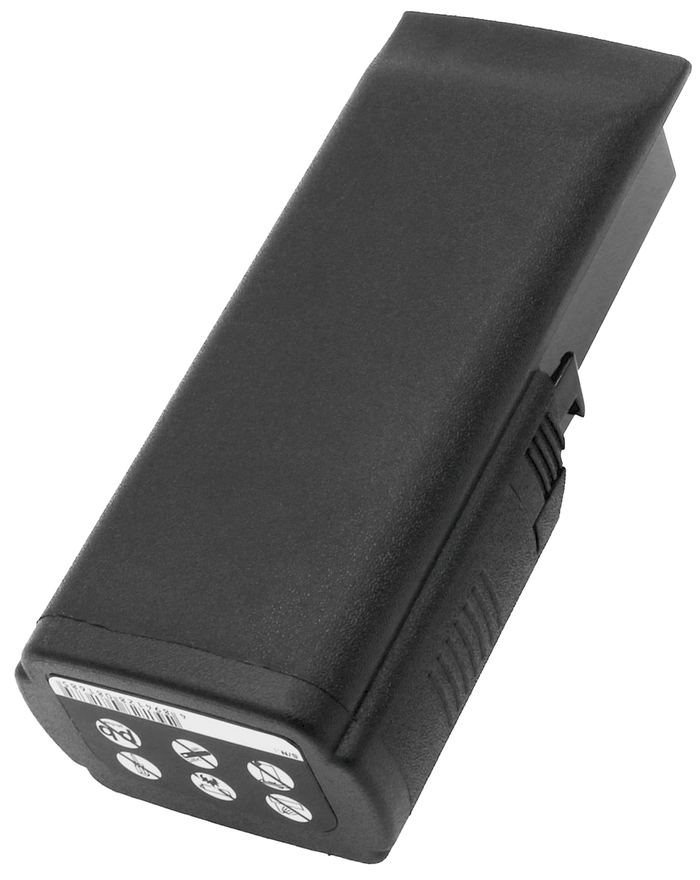
Reading the Warning Signs on an XL330S
The TomTom One XL330S is meant to run a trip on one charge. When its cell fades, the screen may go dark after minutes, the unit can refuse to boot unless it is plugged in, or it may restart when you tap the map. A battery icon that never reaches full is another clue. These are capacity losses in an aging pack, not a fault with your routes.
Take a moment to confirm the model before you shop. The TomTom One XL330S belongs to the ONE and XL family, a slimmer line than the feature rich GO series, and its internal pack is specific to that design. Check the label on the back and the part number printed on the cell itself. Match both to the compatibility list so the TomTom One XL330S gets the correct connector.

A Gentle Opening for a Thin Case
Power the TomTom One XL330S off and remove it from its EasyPort mount and any cable. Work on a soft, lit surface with a small Phillips driver, a plastic pick, and a dish for screws. Thin ONE series housings rely heavily on clips, so flexing the case too far can crack the bezel. Support the screen with one hand while you release each clip with the other.
Ease the pick around the seam in short passes until the back lifts free. If it hangs up, look for one more screw instead of forcing it. Keep metal tools away from the battery leads, and set the TomTom One XL330S down somewhere dry and free of loose change that could bridge a contact.
Connecting the New Pack, Then Charging
Find the small cell and its plug, note how the wires sit, and lift the connector straight off. Free the old pack from its recess, then press the replacement battery pack into the same space until the plug clicks. Lay the leads back along their original channel so the case closes flat. Snap the TomTom One XL330S together and snug the screws without stripping them.
Give the new cell a complete charge before the first unplugged drive, then run it down once to check real runtime. If the TomTom One XL330S now lasts a normal outing, you are set. Recycle the old Li-ion pack at a local battery collection point rather than the household bin.
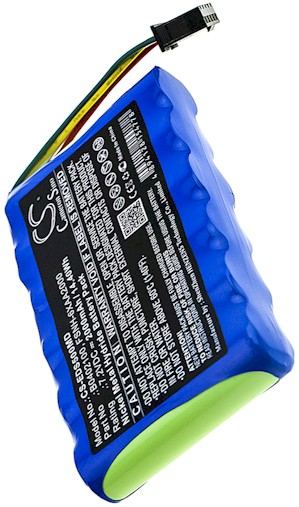
If the Unit Still Will Not Start
A TomTom One XL330S that stays dark after a full charge usually has a connector that is not fully seated, so open it once more and press the plug home. If it still fails, send your model and part number through the Contact Us page. Browse our compatible replacement battery packs and chargers when you are ready to buy.
Find the right replacement battery
Pick up a compatible replacement battery pack for the TomTom One XL330S and keep your navigator reliable.
Frequently asked questions
Does an XL330S take a GO series battery?
No. The TomTom One XL330S uses a pack built for the thinner ONE and XL housing, while GO units are larger and wired differently. Always match the part number on your original cell to the compatibility list. A same brand battery is not a same fit battery.
Do I have to reset my saved places?
Replacing the cell does not erase the maps or favorites stored in a TomTom One XL330S, but it is still wise to plug into a computer and back up first. Power loss during a swap is rare, yet a quick backup keeps your settings safe at no cost.
How long should the first charge take?
Let the TomTom One XL330S charge until the indicator shows full, even if the screen lights up sooner. A complete first charge helps the gauge read accurately. After that, normal top ups are fine, and you can judge the new pack by one full unplugged drive.
Related reading
Last reviewed by the batteries-company.com editorial team. Brand and model names are used to describe compatibility only; replacement packs are aftermarket products.
Editorial source: Q&A Collection 020 — “How do I replace the TomTom One XL330S battery” (FAQ #116). See the full collection-to-article map.

 Warehouse address: