


Replacing the Garmin Nuvi 360T Battery Step by Step
You can replace a Garmin Nuvi 360T battery with a small driver, a plastic pick, and a compatible aftermarket replacement battery pack. For a US commuter wondering how to replace a Garmin Nuvi 360T battery, the swap keeps the built in traffic receiver useful without a new unit.
- A Nuvi 360T that quits early is showing an aging Li-ion cell.
- Confirm the 360T label, since compact Nuvi models share a look.
- The traffic receiver stays intact if you disconnect the cell gently.
- A full first charge and a commute test prove the new pack.
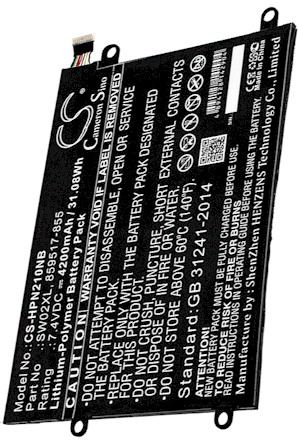
Setting Up a Safe Little Workbench
Give yourself a clean, well lit table and a soft cloth before you touch the Garmin Nuvi 360T. You will need a small Phillips or Torx driver, a plastic pick or spudger, and a small dish to hold screws in order. Power the unit fully off and unplug it from the mount, the charger, and any traffic antenna cable. An anti static strap is a thoughtful extra.
Compact Nuvi housings rely on clips as much as screws, so patience beats force. Keep drinks and loose metal away from the bench, since a stray paper clip can bridge a contact. Laying out the tools first means the Garmin Nuvi 360T spends as little time open as possible, which is kinder to its small connector.

What a Failing Pack Looks Like
A Garmin Nuvi 360T should handle a daily commute on one charge. When the cell wears out, it may shut down at a low battery warning soon after you leave the house, reboot over a rough road, or refuse to run unless it is plugged into the car adapter. The screen can dim and the charge indicator may never reach full.
Those are signs of lost capacity, not a fault with the traffic feature or the maps. If a full charge no longer lasts a normal drive, a fresh aftermarket replacement battery pack is the sensible answer. No setting or extra charging session will restore an aging Li-ion cell to its original runtime.
Confirming the Model and Swapping the Cell
Before ordering, confirm the label says Garmin Nuvi 360T. The 360T is a compact Nuvi with a built in traffic receiver, and its internal pack and connector are specific to that shell, so a sibling model may not match. Read the part number off the old cell once it is exposed and check both against the compatibility list.
Ease the back cover off, note how the thin lead sits, and lift the connector straight out. Free the old pack, press the replacement battery pack into the same recess until the plug clicks, and route the wire clear of the case edge. Close the Garmin Nuvi 360T carefully and snug the screws without stripping them.
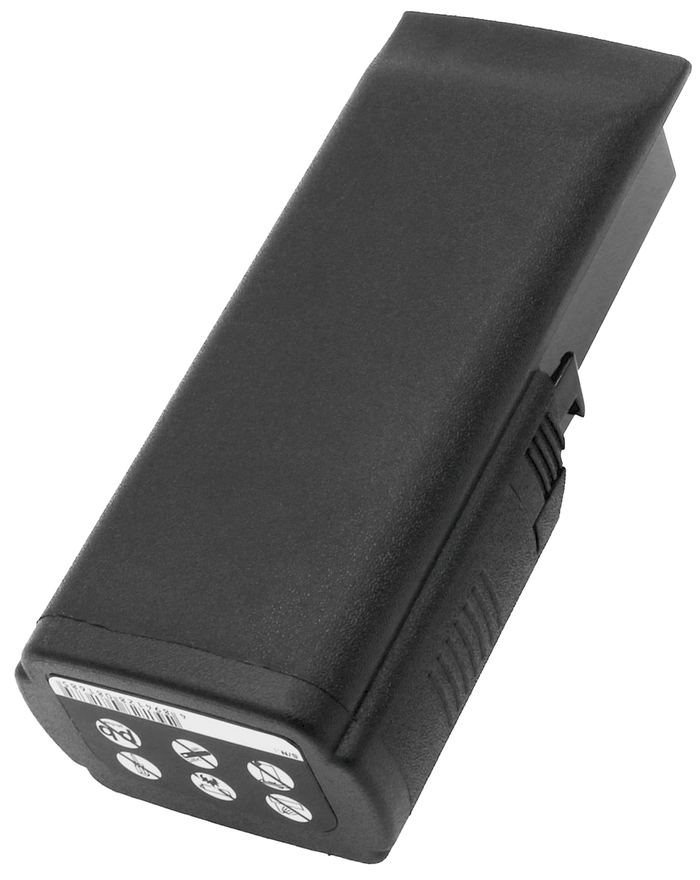
Charging, Testing, and Recycling
Charge the Garmin Nuvi 360T fully, then run it on battery through a normal commute to gauge real runtime and confirm the traffic receiver still works. If all is well, recycle the old Li-ion cell at a local battery drop off rather than the trash. If anything seems off, the Contact Us page and our compatible replacement battery packs and chargers are ready to help.
Find the right replacement battery
Order a compatible replacement battery pack for your Garmin Nuvi 360T and keep commute and traffic guidance going.
Frequently asked questions
Does the 360T traffic feature need a special battery?
No. The traffic receiver runs off the same internal pack as the rest of the Garmin Nuvi 360T. What matters is matching the part number and connector to your model in the compatibility list. A correct replacement keeps every function, including traffic, working as before.
Will a standard Nuvi battery fit a 360T?
Not necessarily. The Garmin Nuvi 360T is a compact unit and its pack is specific to that housing. Match the part number on the old cell to the compatibility list rather than trusting the family name. A shared Nuvi label is not a guarantee of a shared battery.
Can I still use the car charger afterward?
Yes. A compatible replacement battery pack charges through the same Garmin Nuvi 360T port and car adapter as the original. If the unit does not power on after a full charge, reseat the internal connector and try again before assuming the pack is at fault.
Related reading
Last reviewed by the batteries-company.com editorial team. Brand and model names are used to describe compatibility only; replacement packs are aftermarket products.
Editorial source: Q&A Collection 140 — “How do I replace the Garmin Nuvi 360T battery” (FAQ #95). See the full collection-to-article map.

 Warehouse address: