

How to Replace the Garmin Nuvi 600 Battery
A Garmin Nuvi 600 that will not hold a charge through a commute is a candidate for a fresh compatible cell. For US drivers, fitting a brand new replacement pack keeps a trusted widescreen GPS in service without paying for a whole new unit.
- The Nuvi 600 is an earlier widescreen model with a slightly thicker shell.
- Check the underside label to confirm the exact Nuvi 600 variant.
- Short runtime and random shutdowns point to a worn lithium cell.
- A full first charge and a test drive confirm the swap worked.
Getting to know the Garmin Nuvi 600
If you are working out how to replace a Garmin Nuvi 600 battery, first take a moment to identify the unit properly. The 600 line sits in the earlier wave of widescreen Nuvi navigators, with a slightly thicker shell than later slim models. Flip the device over and read the model name and the part number on the label before you order anything.
The symptoms of a tired pack are hard to miss. The Garmin Nuvi 600 may boot fine while plugged into the car adapter, then go dark a few minutes after you unplug it. You might also see the screen brighten slowly or the clock reset overnight. Those are signs the internal lithium-ion cell no longer holds a healthy charge after years of heat and cycling.

Workspace and the right tools
Clear a well-lit table and lay down a soft cloth so the screen does not get scratched. You will want a small Phillips screwdriver, a plastic pry tool, and a shallow dish to hold the screws, since they are easy to lose. Switch the Garmin Nuvi 600 off and let it sit unplugged briefly before you lift the first fastener.
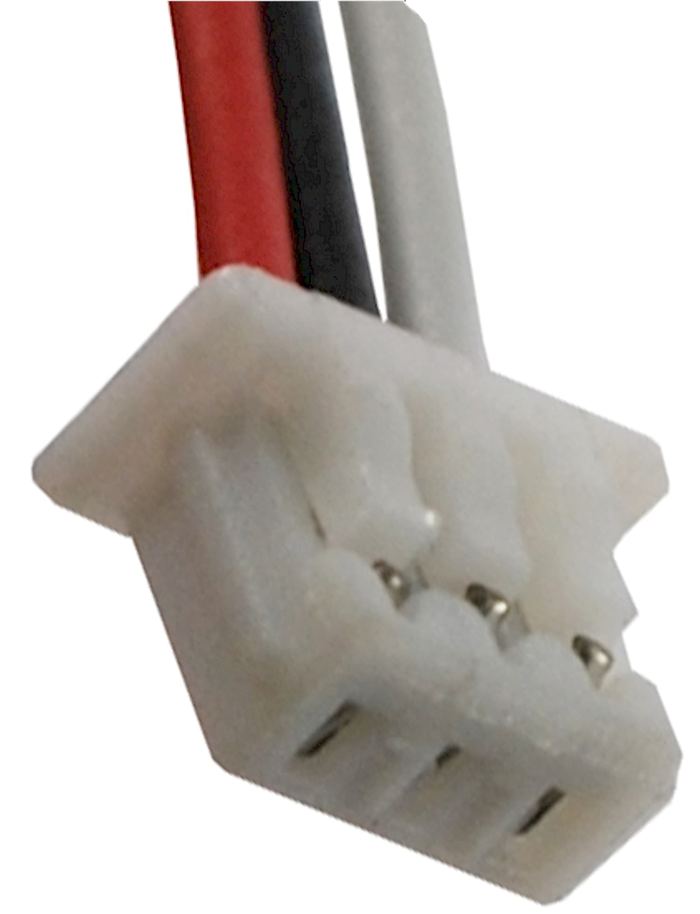
On this thicker Nuvi shell, the case screws hide under small rubber pads along the back, so ease those up with the plastic tool and set them aside for reuse. Once the rear cover lifts free, the flat cell and its short wire lead come into view. Snap a photo of the connector before you touch it, which takes the guesswork out of reassembly.
Swapping the cell and charging it
Grip the connector rather than the wires and unplug the old lead, then lower the aftermarket replacement battery pack into the same spot, label side up. The Li-ion battery pack should sit flat with nothing pressing on the screen cable. Guide the lead back along its channel, press the cover on, and tighten the screws evenly until the housing closes flush.
Set the Garmin Nuvi 600 on its charger and let it reach a full charge before relying on it, since new cells commonly ship with a low partial charge. Afterward, navigate on battery power for a familiar drive and time how long it lasts. If runtime is still poor, reopen the case and check the plug, or contact our support team.
Recycling, support, and next steps
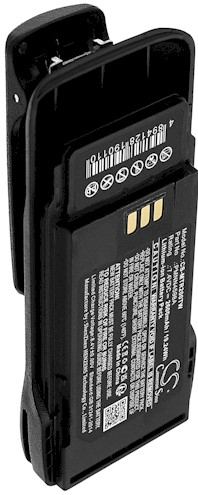
Bring the old cell to a US rechargeable battery drop-off rather than the household trash, and tape the connector first. If the cover will not sit flush or the unit stays dark after a full charge, stop instead of forcing anything and reach us through the Contact Us page. A compatible replacement pack and the matching charger keep this Nuvi on the road.
Find the right replacement battery
Browse our compatible replacement battery packs and chargers to get your Garmin Nuvi back on the road.
Frequently asked questions
How is the Nuvi 600 different from slimmer Nuvi models?
The 600 line is an earlier widescreen design with a slightly thicker shell, so the internal layout and the rear fasteners can differ. Confirm the exact model on the underside label and match the part number on the old cell before you buy a replacement.
Will the original charger work with a new pack?
A compatible aftermarket cell is designed to charge through the unit's normal charger, so extra equipment is rarely needed. Confirm the voltage matches the original before you order, and give the new pack one complete first charge so the gauge reads accurately.
What if the GPS still dies quickly after the swap?
First reseat the connector and charge the pack fully, because a loose plug can look exactly like a weak cell. If the Garmin Nuvi 600 still fades fast, contact our support team and we will help check compatibility or arrange a return under the 30-day money-back guarantee.
Related reading
Last reviewed by the batteries-company.com editorial team. Brand and model names are used to describe compatibility only; replacement packs are aftermarket products.
Editorial source: Q&A Collection 134 — “How do I replace the Garmin Nuvi 600 battery” (FAQ #89). See the full collection-to-article map.

 Warehouse address: