

A Home Guide to a Fresh Garmin Nuvi 265T Battery
A tired Garmin Nuvi 265T battery causes short runtime and sudden shutdowns, and a fresh compatible pack fixes both. If you searched for how to replace a Garmin Nuvi 265T battery, this guide walks you through the swap so you can order the right part with confidence.
- A fading Garmin Nuvi 265T battery shows up as short runtime and unexpected shutdowns on the road.
- Confirm the exact 265T model number on the rear label before ordering any replacement pack.
- A compatible Li-ion battery pack restores reliable navigation without replacing the whole GPS unit.
- Charge the new cell fully before its first trip, then test real runtime.
Spot the Signs of a Worn Garmin Nuvi 265T Battery
Most owners notice the problem gradually. The Garmin Nuvi 265T starts lasting only a fraction of a normal drive, then quits even when the screen showed a decent charge. Traffic updates on the 265T draw extra power, so a weak cell struggles most when you need turn-by-turn guidance. Those symptoms point to an aging internal pack, not a broken GPS.
Before you buy anything, flip the unit over and read the small label on the back. You are looking for the Garmin Nuvi 265T name and the part number of the original cell. Matching both details is what separates a smooth swap from a pack that will not seat or charge. Write them down, then compare them against the compatibility notes on the replacement listing.

Gather Your Tools and Open the Case
Set up on a clean, well-lit table with a small Phillips screwdriver, a plastic prying tool, and a soft cloth. Power the Garmin Nuvi 265T off and let it sit for a minute. Work slowly along the case seam, because the housing clips are thin and a hard pry can crack the bezel. Keep the tiny screws in a dish so none wander off mid-job.
Once the back lifts free, find the small connector that joins the battery to the board. Ease it out with the plastic tool rather than tugging on the wires. Lift the old cell away, noting which way it sat, then set the new pack in the same orientation. Press the connector home until it seats flat.
First Charge, a Real-World Test, and Cleanup
Snap the case closed, but give the Garmin Nuvi 265T a full charge before its first outing. A fresh Li-ion style pack settles in after a couple of complete cycles, so do not judge runtime from the first hour. Then plan a normal drive with traffic enabled and watch how long the unit stays up. That is the only test that reflects how you actually use it.
Take the old cell to a battery recycling drop-off rather than the household trash, since lithium packs belong in a proper waste stream. If the new pack will not charge or the Garmin Nuvi 265T still shuts down, stop and reach the team through the Contact Us page with your model and part number.
Finding the Right Replacement Pack
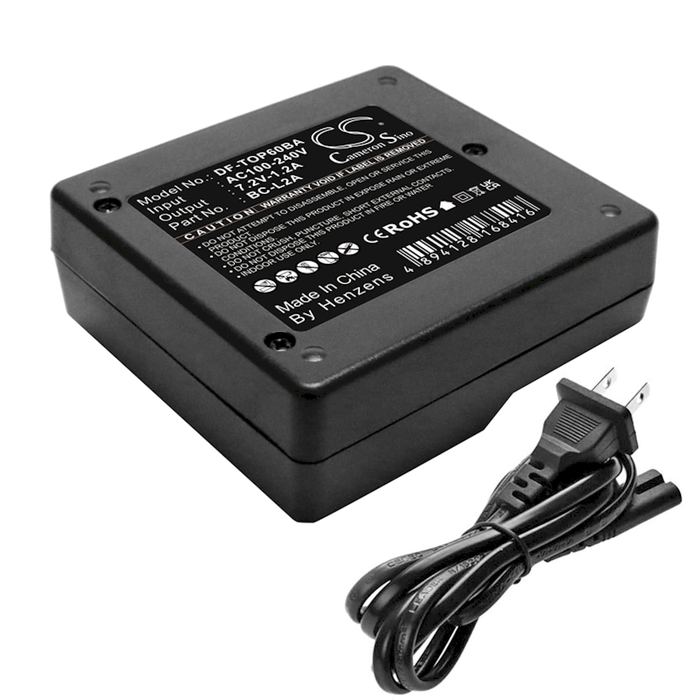
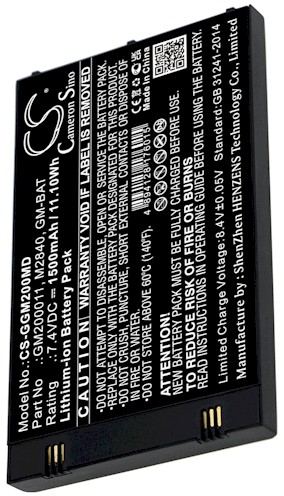
Browse our compatible replacement battery packs and chargers matched to the Garmin Nuvi 265T, and use the part number you wrote down to confirm the fit. Every pack is a brand new, 100% compatible aftermarket replacement, backed by a 30-day money-back guarantee and a one-year warranty for US buyers.
Find the right replacement battery
Browse replacement battery packs and chargers matched to your Garmin Nuvi 265T and order the right fit with confidence today.
Frequently asked questions
How do I know the battery is the problem?
When the Garmin Nuvi 265T dies quickly after a full charge, shuts off at a random percentage, or will not power on unplugged, the internal cell is the likely culprit. A charger or cable fault is possible, so test with a known-good power source before ordering a replacement pack.
Will any Nuvi battery fit my 265T?
No. The Garmin Nuvi 265T uses a specific internal cell and connector, and other Nuvi models often differ in shape or wiring. Match the exact model name and the part number from your rear label to the compatibility list before you buy, or ask our team to confirm.
Do I need special tools for this swap?
A small Phillips screwdriver and a plastic prying tool cover almost everything on the Garmin Nuvi 265T. Skip metal picks, which can short the board or scar the housing, and work on a clean surface with a dish for the screws. Take your time and the job stays straightforward.
Related reading
Last reviewed by the batteries-company.com editorial team. Brand and model names are used to describe compatibility only; replacement packs are aftermarket products.
Editorial source: Q&A Collection 005 — “How do I replace the Garmin Nuvi 265T battery” (FAQ #102). See the full collection-to-article map.

 Warehouse address: