


Should You Leave a Device Plugged In? A Practical Answer
Most modern chargers stop feeding current when a pack is full, so leaving a device connected is usually safe but not always ideal. A few easy habits will protect runtime and help you spot the point where a replacement battery makes more sense than another charge cycle.
- Modern chargers taper or stop current once a Li-ion pack reaches full charge.
- Heat, not trickle charging, is the main reason to unplug a fully charged pack.
- Storing a pack at a partial charge in a cool place slows capacity loss.
- Falling runtime that calibration cannot fix is a sign to shop for a replacement.
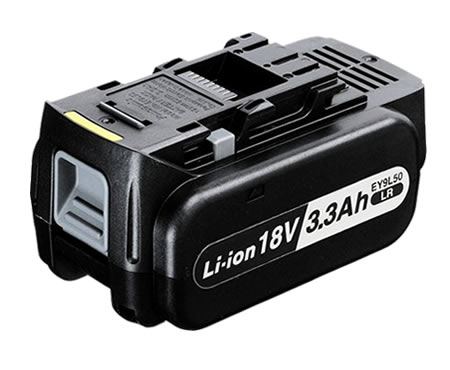
What the charger actually does at 100 percent
A quality charger watches voltage and temperature and reduces current as the pack fills. Once the termination point is reached it either stops or applies only brief top-ups. The device may still show that it is connected, but that does not mean the cells are being continuously pushed at full current.
This is why the old advice about ruining a battery by leaving it on the charger no longer fits lithium packs. The chemistry does not have the memory effect that older nickel cells suffered from, and the charging circuit is in charge of the final decision.
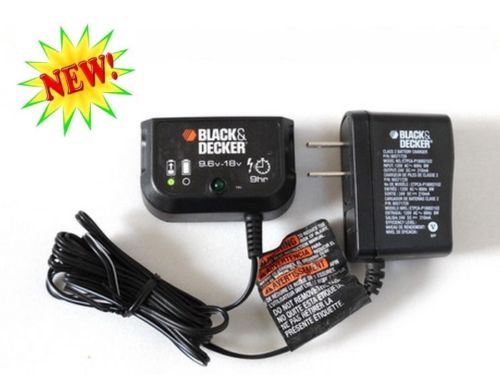
Where the real wear comes from
Warmth is the bigger concern. A pack left on a charger in a sunny truck, a hot garage or a sealed tool case spends its life at a higher temperature than one stored on a shelf. Heat speeds up the slow chemical changes that reduce capacity over hundreds of cycles.
Deep discharges matter too. Running a tool until it repeatedly cuts out, then charging it back up, adds more stress than topping up after ordinary use. Gentle, moderate cycles are easier on the cells than extremes in either direction.
Simple habits that protect runtime
If you are asking is it bad to leave my cordless tool battery on the charger, a fair answer is that overnight is fine but weeks on a warm dock are not. Charge after a normal day of work, then take the pack off the charger and keep it somewhere cool and dry until the next job.
For a laptop used mostly at a desk, unplug occasionally and let the battery work through a partial cycle. If the device will be stored for a month or more, leave the pack around half charged and check it before putting it back into service.
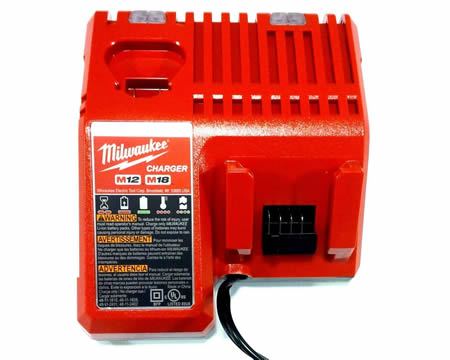
When charging habits stop helping
Once runtime falls well below what the tool used to deliver, no charging routine brings the cells back. Compare the part number, voltage and capacity of the old pack with a new replacement laptop battery or cordless pack, and recycle the tired one through a local program.
Find the right replacement battery
Find a compatible replacement battery pack or charger and get your tool back to a full working day.
Frequently asked questions
Should I unplug as soon as the light turns green?
It is not necessary. A modern charger has already stopped or tapered the current. Unplugging is still a good habit if the charger or the pack feels warm to the touch.
Does leaving a laptop plugged in wear out the battery?
The bigger factors are heat and time at a high state of charge. Using the battery occasionally and keeping the laptop cool will do more for its life than unplugging at the exact moment it reaches 100 percent.
How do I know the pack needs replacing?
When a full charge gives noticeably less runtime than it used to, and a complete charge cycle does not improve the gauge, the cells are worn. Matching the old part number is the safest next step.
Related reading
Last reviewed by the batteries-company.com editorial team. Brand and model names are used to describe compatibility only; replacement packs are aftermarket products.
Editorial source: Q&A Collection 128 — “Should I keep my device plugged into my ac adapter” (FAQ #83). See the full collection-to-article map.

 Warehouse address: