


Why Some Gadgets Last All Day and Others Don't
A phone, a laptop and a cordless drill can all use lithium-ion cells and still behave nothing alike. The difference is rarely the chemistry. It is what the device asks of the pack, and how old that pack already is.
- Runtime depends on the load, not just the number printed on the label.
- Screen brightness, wireless radios and motor demand are the usual culprits.
- Heat ages cells faster than almost any other everyday habit.
- A replacement only makes sense once you have ruled out a charger fault.
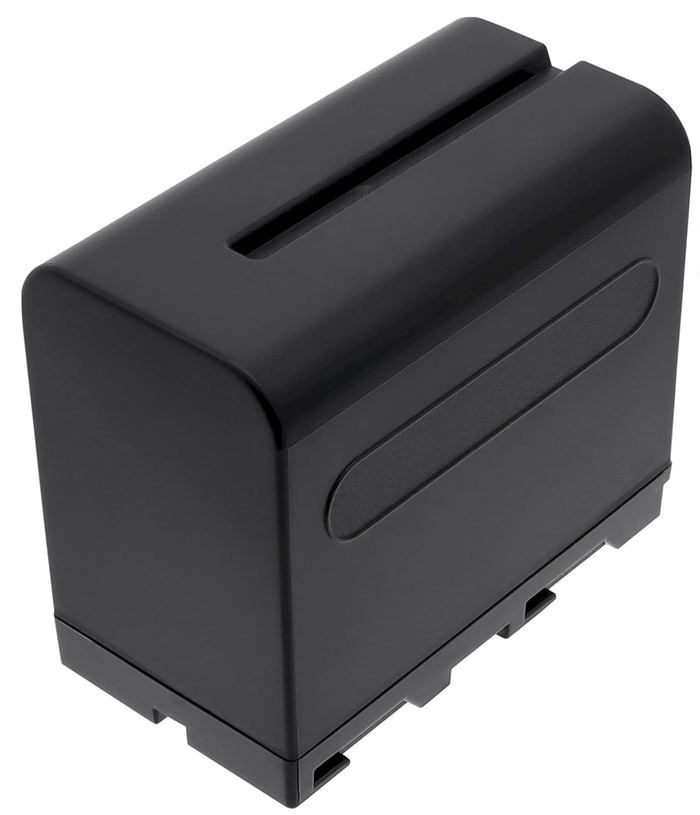
Start With What the Device Actually Draws
People tend to compare batteries by capacity alone. A 4,000 mAh pack sounds better than a 3,000 mAh one, so it should last longer, right? Sometimes. Capacity tells you how much charge is stored. It says nothing about how quickly a device pulls that charge out. A small streaming stick sipping a few watts and a vacuum motor pulling twenty times that much will treat the same cell very differently.
That is why the most useful question is not "how big is the battery" but "what does this device do with it." Screens are hungry. So are radios that stay on all day, and any motor that spins, cuts or blows air. When you understand the load, a sudden drop in runtime stops feeling mysterious and starts pointing at a specific cause.
The Usual Suspects Behind Short Runtime
In a laptop, the display and the wireless chipset account for a surprising share of the draw. Dropping brightness a couple of notches and switching off background sync often buys back more time than any settings tweak promising a miracle. On a cordless tool, the pattern is simpler: sustained cutting under load will empty a pack far faster than short bursts of drilling.
Temperature matters too. We see plenty of packs that were left in a hot car or close to a garage heater. The cells survive, but their ability to hold a charge quietly shrinks. If a device used to last four hours and now barely manages one, think about where it has been stored before you think about ordering anything.
Know When the Pack Is the Problem
Age shows up in recognizable ways. The charge indicator drops from full to empty in a rush. The device shuts off while the gauge still shows a quarter remaining. A tool loses torque near the end of a charge that used to be strong throughout. These are signs that the cells have worn out, not that the device has become inefficient overnight.
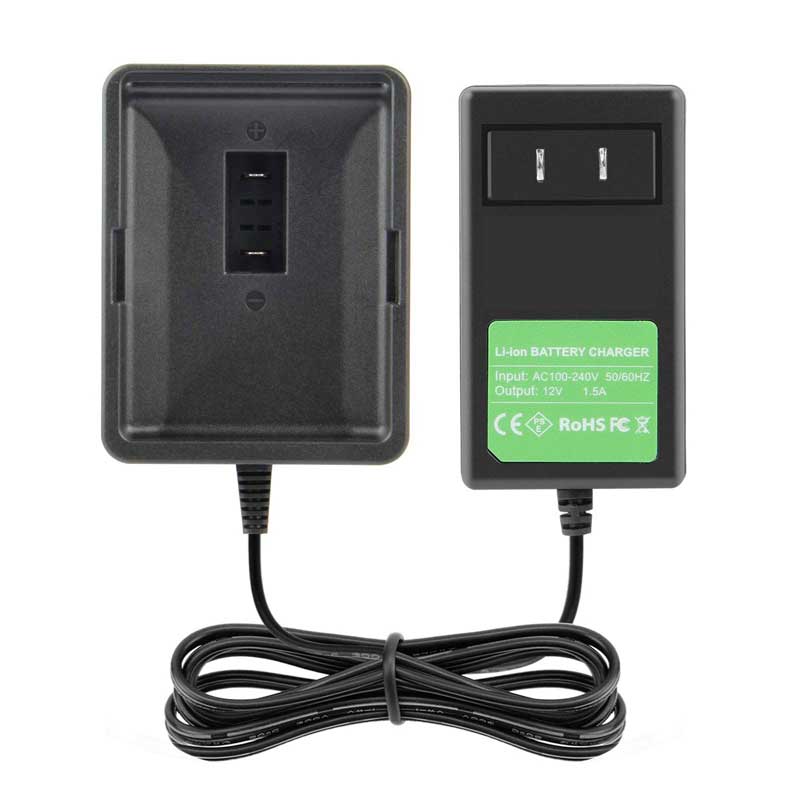
Before you commit to a new pack, try the obvious checks. Reseat the battery, clean the contacts with a dry cloth and try a different outlet. If the device has a removable charger, test with a known-good one. We would rather talk you out of a purchase than ship a battery that was never the issue.
Getting the Most From a New Battery
Fresh packs often arrive partly charged from testing. Give one a full charge before its first real job, then use it normally. Modern lithium-ion cells do not need the deep discharge cycles that older nickel-based packs did, and repeatedly running them flat does more harm than good. Shallow top-ups suit them fine.

Store a spare somewhere cool and dry, with a partial charge rather than completely empty. Every rechargeable cell leaks a little charge while it sits, so a battery that has waited out a long winter needs a top-up before the first job of spring. Small habits like this do more for runtime than most of the advice circulating online.
Choosing a Replacement That Fits
Once you are sure the pack is done, match the part number and the voltage first, then compare capacity. A higher-capacity aftermarket pack can be a genuine upgrade if it fits properly and comes from a seller who stands behind it. Every pack we supply is brand new and 100 percent compatible, backed by a 30-day money-back guarantee and a one-year warranty. If the model number is unclear, send it to us and we will confirm the match before you order.
Find the right replacement battery
Browse a replacement laptop battery, a power tool pack or a charger, and start with the right match for your device.
Frequently asked questions
Does a higher mAh rating always mean longer runtime?
Only when the voltage is the same and the pack fits the device. Runtime also depends on how hard the device works, so compare watt-hours and match the part number before you buy.
Can I use one charger for several of my devices?
Not safely unless the output voltage and polarity match each device and the connector fits firmly. A charger built for the wrong voltage can damage both the battery and the device.
When should I replace a battery rather than keep charging it?
When a full charge no longer gets you through a normal session, or when the pack swells, runs unusually hot or smells odd. At that point replacement is the practical and safer choice.

 Warehouse address: